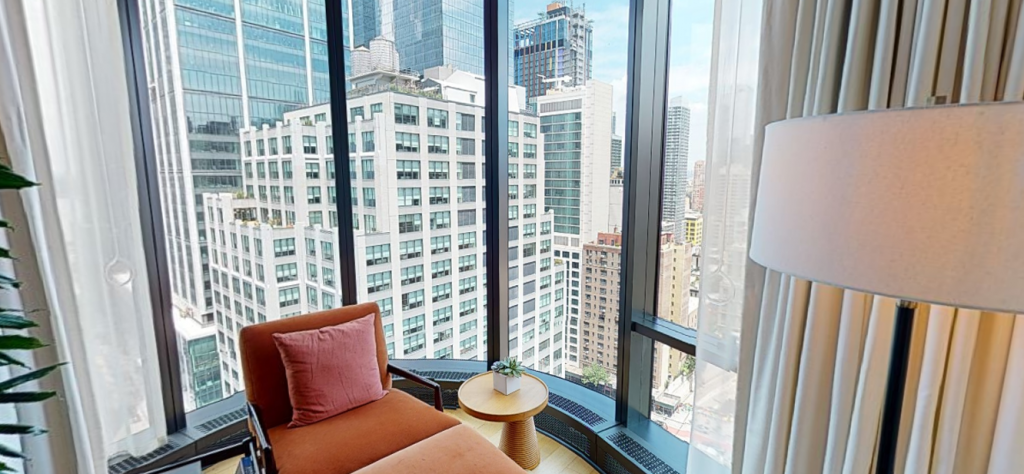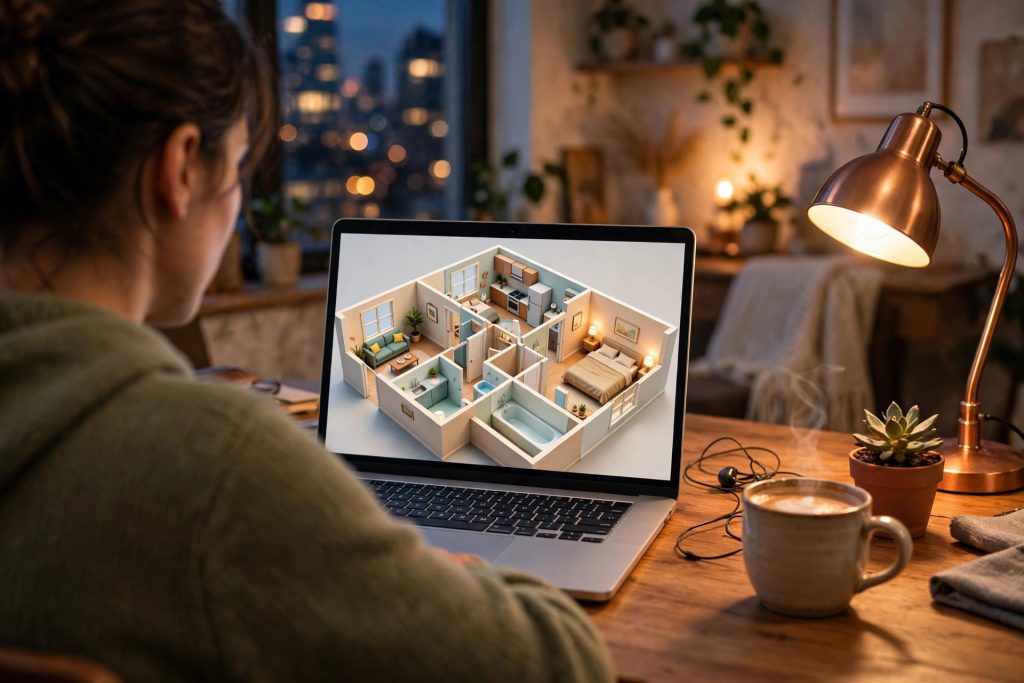
Most New York City buyers start the same way: scrolling StreetEasy or Zillow, tapping through photos, and moving on fast. A listing has only seconds to earn a second look, and a 3D virtual tour is one of the few things that can stop the scroll — it lets a buyer walk through the apartment from their couch and decide it is worth a visit before they ever call you.
But a tour only helps if buyers can find it. Plenty of NYC listings have a beautiful 3D tour sitting in a photographer’s inbox, never attached to the listing. Adding it takes only a few minutes once you know where the link goes.
Why a 3D Tour Belongs on Your Listing
Photos show a buyer what an apartment looks like. A 3D tour shows them what it feels like to stand in it. That difference matters on the two platforms where nearly every NYC search begins.
- Buyers stay longer. A listing with a virtual tour keeps visitors exploring instead of swiping to the next apartment.
- Serious buyers self-select. Someone who has already walked the apartment virtually and still wants to see it is a much warmer lead than someone who liked one photo.
- It answers the questions photos cannot. How big is the second bedroom, really? Does the kitchen get morning light? A tour answers that at 11 PM, without a phone call.
Before You Start: What You Need
You only need two things, and it helps to have both open in front of you.
- The tour link. The shareable URL for your Matterport tour, usually starting with
my.matterport.com. Copy it into a note so you can paste it without retyping. - Access to edit the listing. On StreetEasy, that means the listing agent’s account or your brokerage’s tools. On Zillow, the agent or owner account that manages the listing.
Check first: open the tour link in a private browser window. If it loads cleanly for a stranger, it will load for a buyer. If it asks for a password or shows an error, get that fixed first — a broken tour link is worse than none.
Step 1: Add the Tour to StreetEasy
StreetEasy is where most NYC buyers start, and it has a dedicated spot for virtual tours. Do not bury the link in the description — use the field built for it.
- Open the listing in your StreetEasy agent account and choose to edit it.
- Find the virtual tour field, usually in the media section alongside your photos.
- Paste the full tour link, exactly as your tour provider gave it to you — no shortened links, no links copied from an email preview.
- Save and preview the listing as a buyer would see it. The tour should appear as a clearly labeled button or link, not hidden at the bottom of the description.
No dedicated field? Put the link at the very top of the listing description, on its own line, labeled “Take the 3D virtual tour:” — less clean, but buyers will still see it.
Step 2: Add the Tour to Zillow
Zillow handles virtual tours a little differently, and the steps depend on whether the listing was entered directly on Zillow or syndicated from your brokerage’s system.
- Open the listing in your Zillow agent or owner account and choose to edit it.
- Find the virtual tour field and paste your full tour URL there.
- If the listing is syndicated, add the tour in your brokerage’s listing system or MLS entry instead, and allow a day for it to push to Zillow.
- Preview the listing after saving. Zillow typically shows the tour as a button near the photos, so a buyer can jump straight into the walkthrough.
Do not bury the link in the middle of a long description — most buyers never read that far. The dedicated field is what makes the tour visible.
Step 3: Put the Tour Link Everywhere Else It Counts
StreetEasy and Zillow are the two biggest stages, but they are not the only places buyers find your listing. Once the tour is attached there, put it everywhere else a buyer might look.
- Follow-up emails and texts. When a buyer inquires, reply with the tour link before you offer a showing time. Buyers who tour first arrive at showings informed — and the ones who rule themselves out save you a Saturday.
- Social media. A short post with the tour link gives the listing a second life beyond the portals.
- Open-house materials. A QR code linking to the tour on a flyer or sign-in sheet lets visitors revisit the apartment from home that evening.
The tour is a one-time investment. The more places it lives, the more buyers it reaches.
Common Mistakes That Keep the Tour From Showing Up
Most tour problems are small, and all of them are easy to avoid once you know what to watch for.
- A shortened or preview link. Links copied from a text message or URL shortener sometimes open a preview page instead of the tour. Always use the full link from your tour provider.
- Adding the tour after the first weekend. The first days of a listing get the most traffic. Schedule the scan for the same day as listing photos, so the tour is ready when the listing goes live.
- Burying the link in the description. If the only copy of the tour link sits in paragraph four of the description, most buyers will never see it. Use the dedicated tour field first, and the description only as a backup.
How to Know It Is Working
You do not need analytics software to tell whether the tour is doing its job. The signs show up in the quality of your inquiries.
- Buyers ask better questions. Instead of “how big is the bedroom?”, they ask about the building, the board, and the timeline — the things that move a deal forward.
- Showing requests come from people who have already toured. When a buyer asks to see the apartment in person after walking it virtually, they have already ruled it in.
- Fewer no-shows. Buyers who know exactly what they are coming to see are far less likely to cancel, because there are no surprises waiting at the door.
The Bottom Line for NYC Listings
Adding a 3D virtual tour to StreetEasy and Zillow takes a few minutes, but it changes what a listing can do. Instead of photos a buyer scrolls past in seconds, your listing becomes a place they can walk through — at midnight, from another borough, or from another state. The agents getting the most from it attach it before the listing goes live, put the link everywhere buyers look, and let the tour do the first round of qualifying for them.
If you are listing an apartment in New York City and want buyers to walk through it before they ever book a showing, a professional 3D tour is the simplest way to get there. Learn more about our 3D tour services and pricing to see what a scan for your next listing would look like.